


Reports & session insights, made actionable
See results live, then dig into detailed reports to track progress.
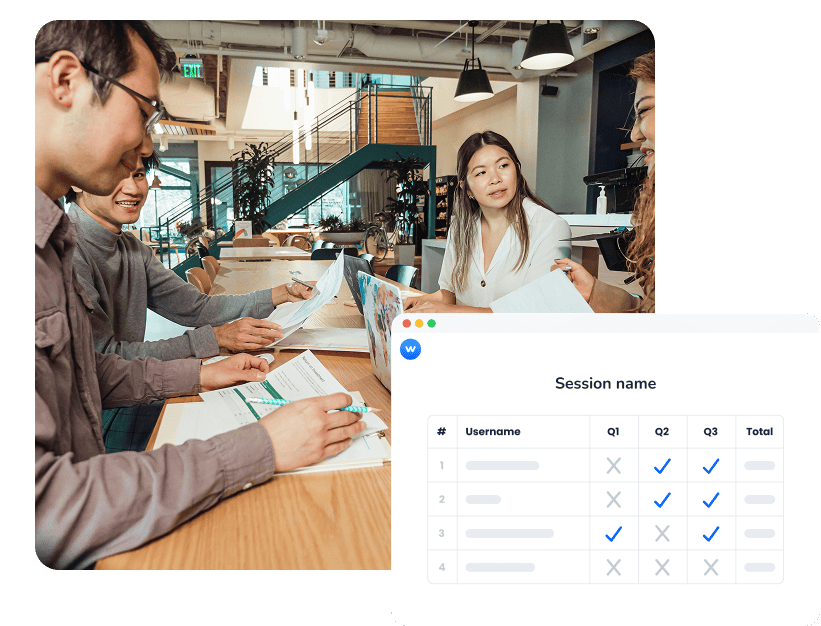
Turn participation into pedagogical insights
Clear visibility
See responses question by question, in real time or after the session. Results are immediately readable, without spreadsheets or manual processing.
Actionable follow-up
Identify learning gaps, revisit misunderstood concepts, and support feedback or evaluation using concrete data rather than impressions.
Effortless documentation
Generate complete session summaries in one click. Save time on grading, reporting, or evidence collection for institutional or training requirements.
From participation to understanding
Views and reports transform raw answers into structured, usable information. Instead of guessing what participants understood, you rely on concrete data to adapt your facilitation, revisit key concepts, or support assessment decisions.
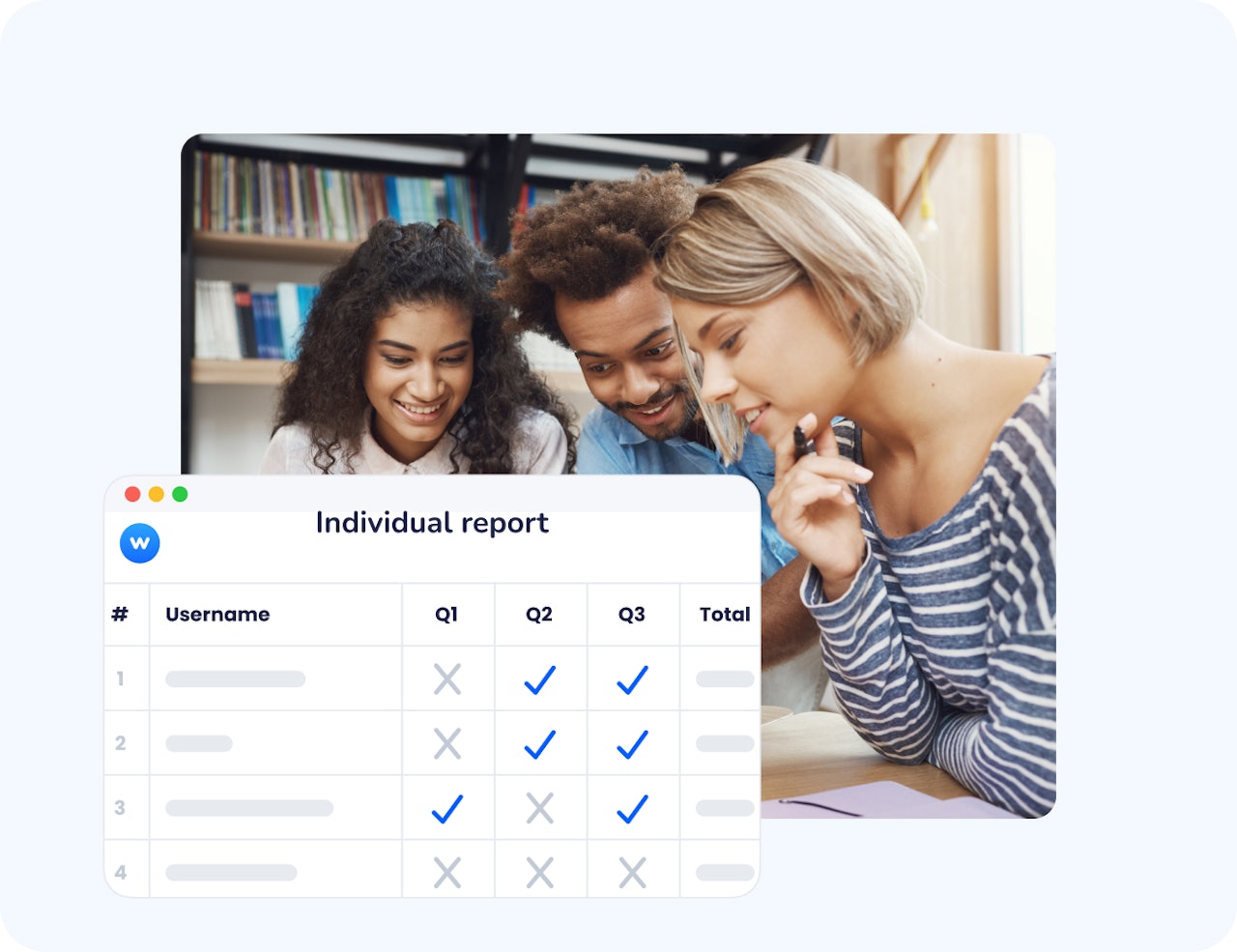
Personalize the feedback loop
By sharing individual PDF reports with participants, you extend learning beyond the session itself. Learners can review their own answers alongside the correct ones, helping transform a short activity into a meaningful learning moment.
From live results to reusable reports
Choose how you view the data
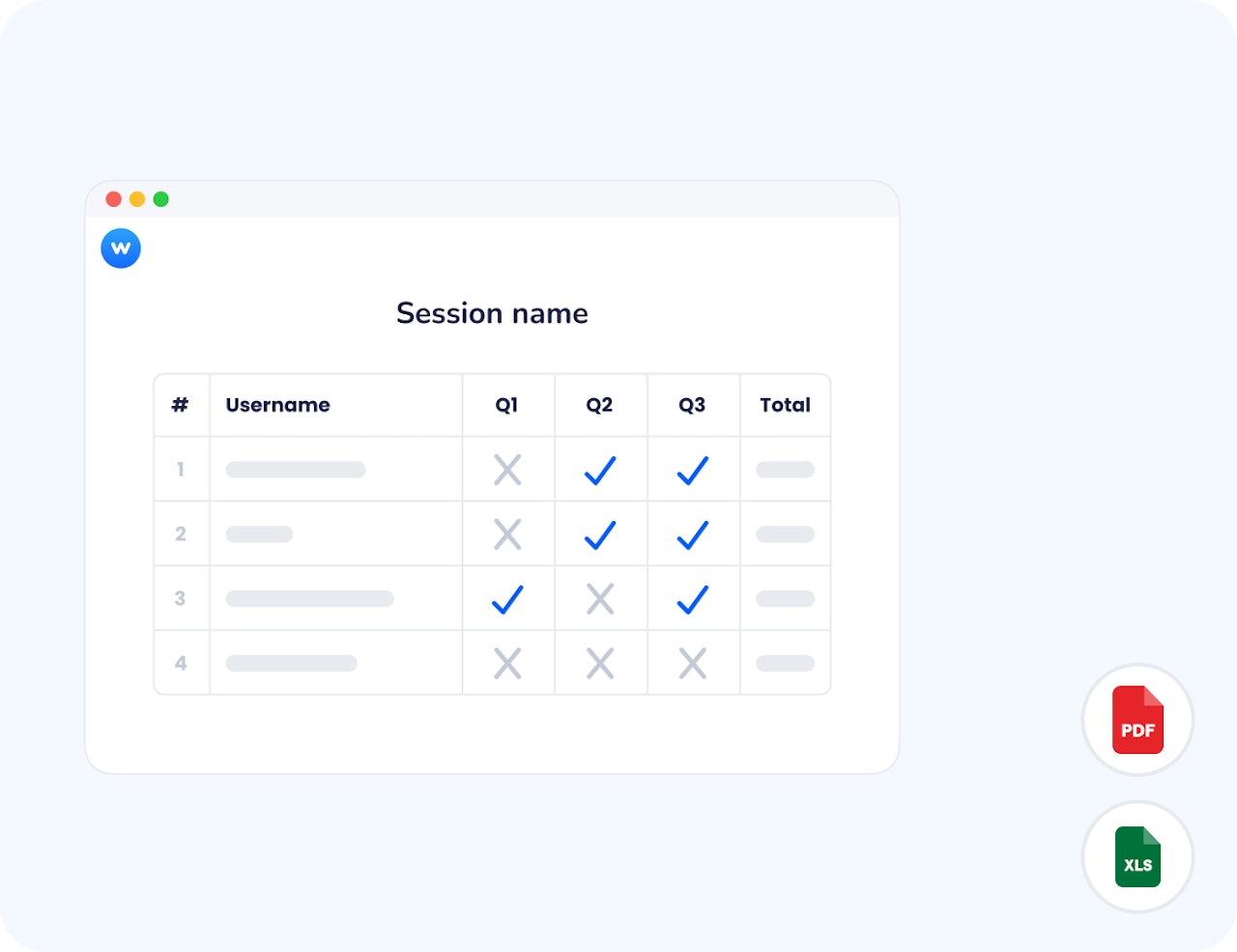
Use the Results view for a collective overview or the Grid view to examine individual participation and answers.
Export what you need
Download your results in Excel or PDF format with a single click. You can export the global results of the session or individual reports for every participant.
Share and reuse insights
Share reports with learners, support follow-up learning, or integrate data into your existing workflows.
How teachers and trainers use Views and reports
Whether in a lecture hall or a corporate workshop, visualizing data helps bridge the gap between teaching and actual understanding.
Lecture debriefs
Review how students responded to key questions and identify concepts that need reinforcement.
Training evaluation
Analyse participation and answers to assess engagement and understanding after a workshop.
Learner feedback
Share personalized reports so participants can revisit their own responses and progress.
Assessment support
Export results to document learning outcomes or support grading and certification workflows.
Understand and reuse session data with confidence
Access live session views
See responses and participation as they happen to guide facilitation in real time.
Review detailed question results
Analyse how participants answered each question to identify patterns and gaps.
Track participation
Understand who took part in the session and how actively they engaged.
Export session data in Excel or PDF
Download results to reuse them in external tools or institutional workflows.
LMS Synchronization
Sync grades, attendance, and participation directly with your LMS.
Support follow-up learning
Use reports to adapt future sessions, provide feedback, or document outcomes.

Frequently asked questions
Have questions? We’ve got answers to help you get the most our your....